What is Google Workspace for Education?
A plain explanation of what it actually is, the tools you get, and why it is safer than everyone using a personal account.
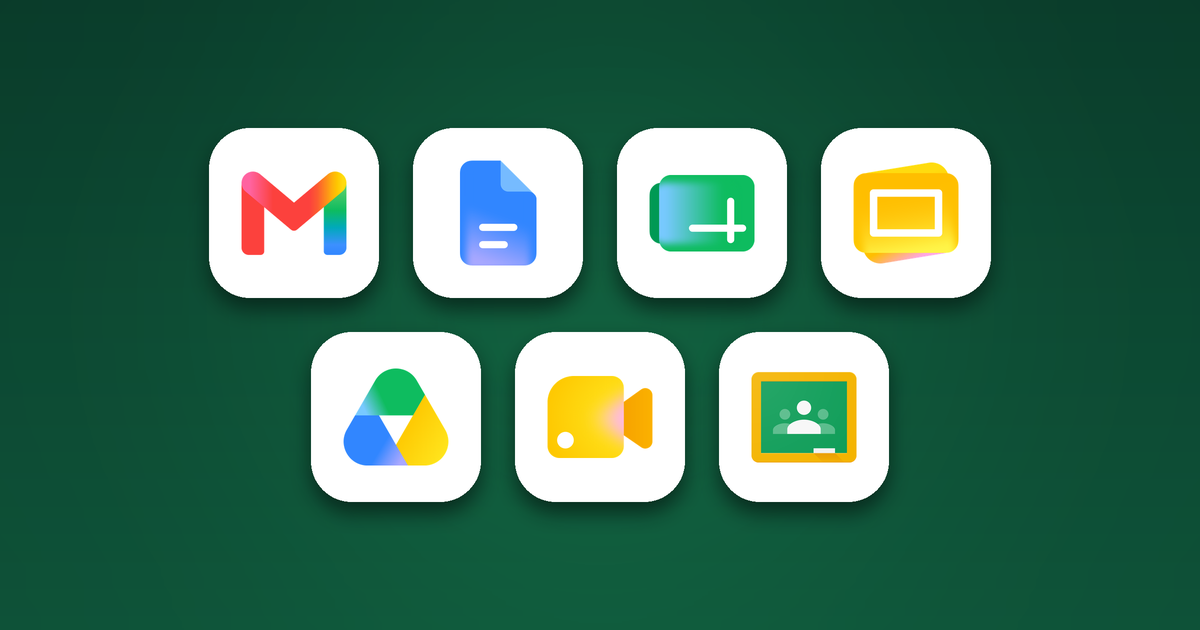
I was on a call with a school in Nigeria recently. Halfway through, someone asked the honest question. What actually is Google for Education?
It is a fair question, and a common one. The name gets used a lot and rarely explained. So here it is, plainly.
Google Workspace for Education is a set of Google's tools, made for schools, colleges and universities. In plain terms, it is a productivity suite. The everyday software a place of learning runs on, from email to lessons, all in one place. It works online, it is free to start with, and it sits under the school's control rather than across everyone's personal accounts.
The tools, in plain terms
If you have used Microsoft Office, you will find your feet quickly. Here is what you get.
- Google Docs for writing. Lesson plans, letters home, worksheets, reports.
- Google Sheets is a spreadsheet, for numbers and lists that work themselves out. Registers, marks, budgets, with the totals and averages added up for you.
- Google Slides for building a slideshow to teach from and put up on the board.
- Gmail for email, on the school's own address.
- Google Calendar for timetables, term dates and meetings, shared so staff all see the same thing.
- Google Chat for quick messages between staff, instead of personal WhatsApp groups.
- Google Drive is your filing cabinet, online. Every file in one place, reached from any device.
- Google Meet for video calls and remote lessons, up to a hundred people.
- Google Classroom ties it together. Set the work, collect it, mark it and hand it back, all in one place.
It runs in a web browser, so it works on a laptop, a phone or a shared computer in the lab. There is nothing to install. And if your internet drops, you can carry on working offline. When the connection comes back, your work syncs by itself.
Why not just a personal Gmail account
Because this is built for a school, not for one person.
A personal account answers to nobody. A school account answers to the school. An administrator can create accounts, reset passwords, and decide what each pupil can and cannot reach. If a child leaves, the account and the work are managed in one place.
It is also safer for the children. There are no ads, and pupil data is not sold. Email comes with protections that block most spam and scams before they arrive. The school holds the controls that help keep students safe online, the kind a private account simply does not have.
The versions, and the cost
There are two editions and one optional add-on.
- Education Fundamentals is free for institutions that qualify. It is everything above, at no cost. This is where almost every school starts, and most never need more.
- The Teaching and Learning add-on is a paid extra you can bolt on when you want stronger teaching tools, like longer recorded Meet lessons, plagiarism checks and more AI inside Classroom. You buy it only for the staff who need it, not the whole school.
- Education Plus is the paid, complete version. It adds advanced security, deeper controls, more storage and the full set of AI tools, charged per user each year.
To get started, you pay nothing. Fundamentals is free, and it is a real, full product, not a trial. Most schools begin there and add the rest only when they are ready.
So when someone asks what Google for Education is, that is the answer. The everyday tools a school needs, built for education, free to begin with. You can grow into the paid options later, but most schools find the free one is all they need.